Contents:
- Why Business Intelligence Sounds Confusing at First
- How Business Intelligence Actually Works
- Popular Business Intelligence Tools
- What the Pros Know
- Real Use Cases for Business Intelligence
- Getting Started With Business Intelligence on a Budget
- Frequently Asked Questions
- Is business intelligence the same as data analytics?
- How much does business intelligence software cost?
- Do small businesses need business intelligence tools?
- What skills are needed to use BI tools?
- How long does it take to set up a BI dashboard?
Quick Answer: Business intelligence, or BI, refers to the technology and processes companies use to collect, analyze, and visualize data in order to make better decisions. That frustration you feel staring at a cluttered spreadsheet, trying to guess which product line is actually profitable? Business intelligence exists to end that guessing game.
Why Business Intelligence Sounds Confusing at First
The term gets thrown around in boardrooms like everyone already understands it, which leaves a lot of people quietly nodding along. Business intelligence isn’t one single tool. It’s the combination of dashboards, data pipelines, and reporting that turns raw numbers into a story leadership can act on.
How Business Intelligence Actually Works
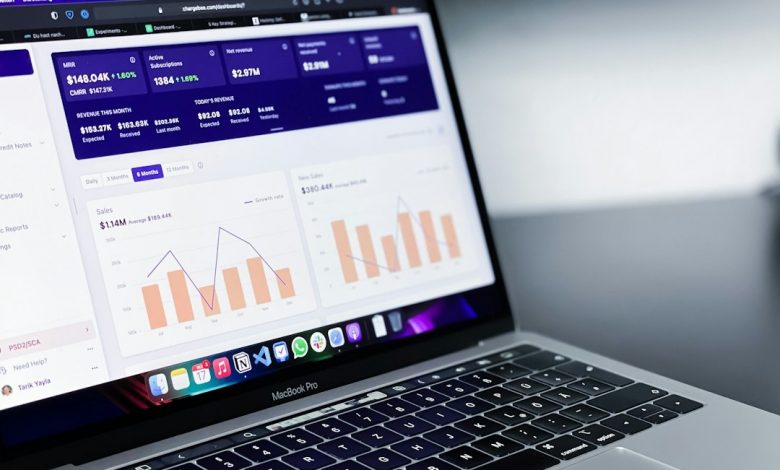
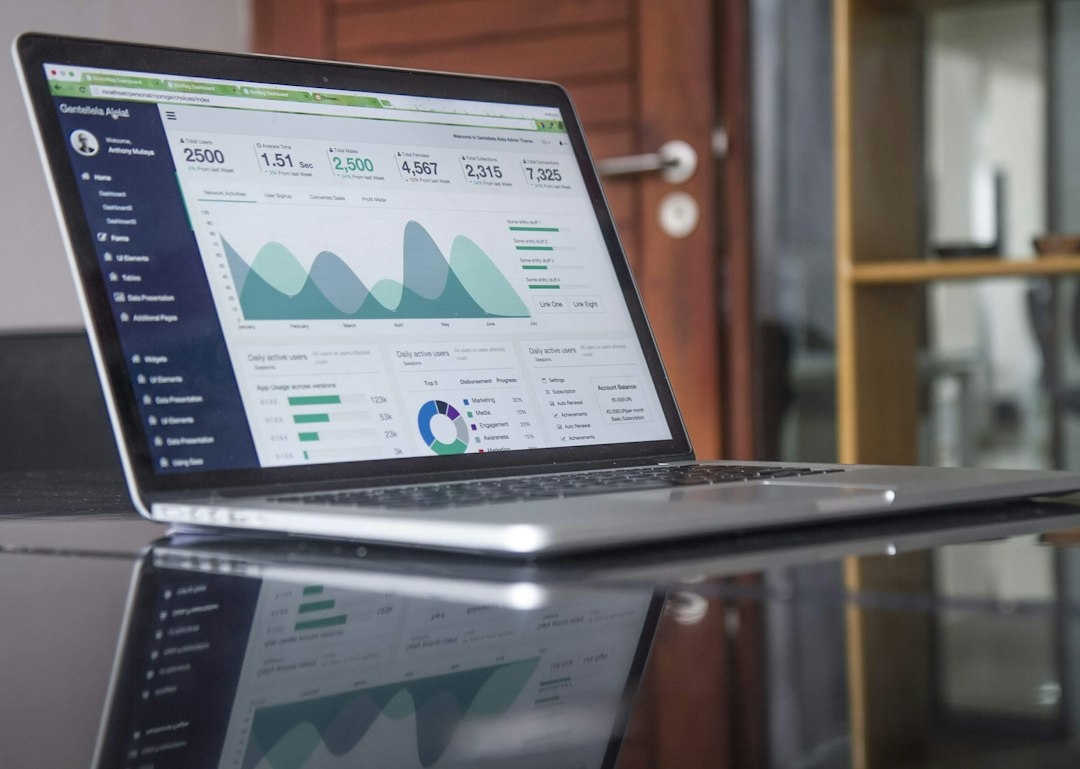
Data flows in from sources like sales systems, marketing platforms, and accounting software. A BI tool then organizes that data into visual dashboards showing trends, comparisons, and anomalies. Instead of pulling a report manually every month, teams check a live dashboard updated daily or even hourly.
Popular Business Intelligence Tools
Tableau and Microsoft Power BI dominate the enterprise space, with Power BI often priced around $10 to $20 per user monthly. Looker and Domo serve larger organizations with complex data needs. Smaller businesses sometimes start with Google Data Studio, now called Looker Studio, which is free and connects easily to Google Analytics and Sheets.
What the Pros Know
Tip from the field: Experienced analysts rarely trust a dashboard until they’ve traced at least one number back to its raw source. A polished chart can still be built on flawed data, so spot-checking matters more than the visualization itself.
Real Use Cases for Business Intelligence
A regional restaurant chain used BI dashboards to spot that Tuesday lunch sales lagged 30% behind every other weekday, prompting a targeted promotion that recovered the gap within two months. An e-commerce brand tracked cart abandonment rates by device type and discovered mobile checkout friction was costing them roughly $40,000 a month in lost sales.
Getting Started With Business Intelligence on a Budget
Small businesses don’t need enterprise software to benefit from BI. Free tools like Looker Studio, paired with existing spreadsheet data, can reveal patterns that inform pricing, staffing, and marketing decisions without a large software investment.
Frequently Asked Questions
Is business intelligence the same as data analytics?
They overlap heavily, but BI usually refers to the tools and dashboards, while data analytics describes the broader practice of interpreting data.
How much does business intelligence software cost?
Pricing ranges from free tools to enterprise platforms costing $70 or more per user monthly, depending on features and data volume.
Do small businesses need business intelligence tools?
Even a basic dashboard can help a small business spot trends in sales or expenses that spreadsheets alone tend to hide.
What skills are needed to use BI tools?
Most modern BI platforms use drag-and-drop interfaces, though basic knowledge of SQL helps for advanced data queries.
How long does it take to set up a BI dashboard?
A simple dashboard can be built in a few hours, while enterprise-wide BI implementations often take several weeks.